Mavic 2 Zoom: More Useful Than You Think

Introduction
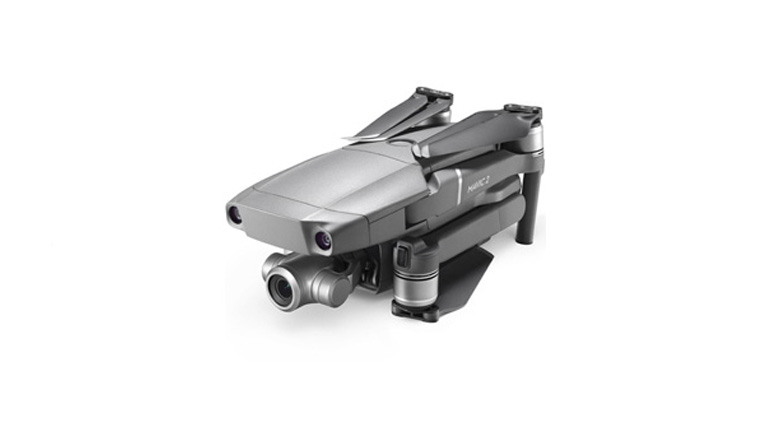
The Mavic 2 Zoom has a lot going for it: excellent battery life, 1/2.3-inch sensor, and fantastic range. However, its unique zoom lens is what makes it so compelling.
Zoom
You can now shoot more discreetly from further away. However, you can also compress any scene with longer focal lengths, synching the foreground and background together. This opens up numerous possibilities for your compositions and provides dynamic perspectives.
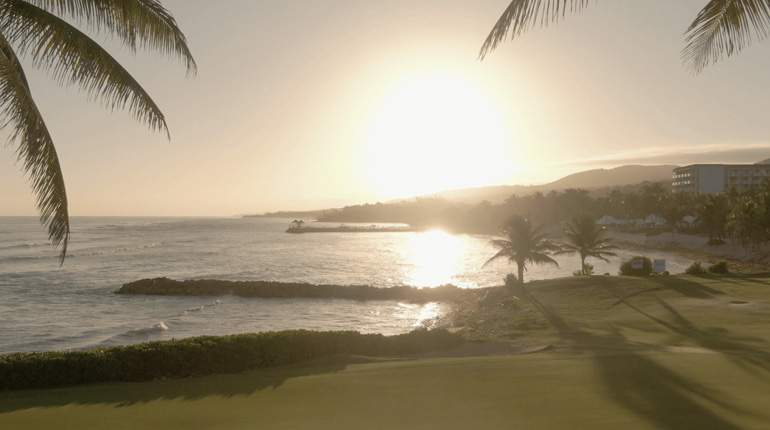
Adding layers by zooming
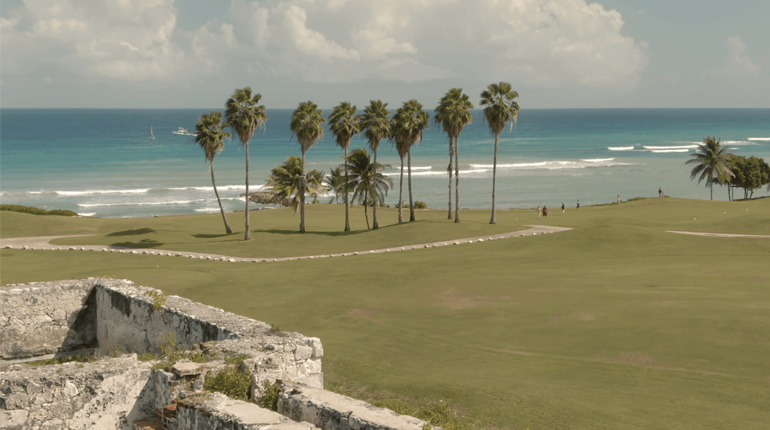
Mavic 2 Zoom at 48mm
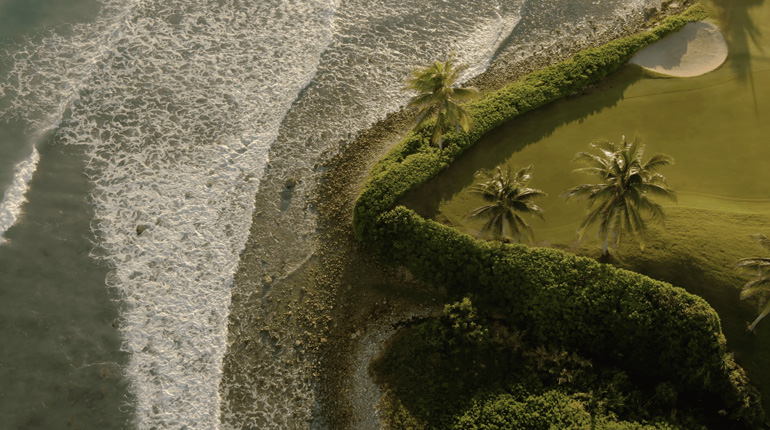
Flattening the image
Quick Tip
Try flying in Tripod mode for shots with a dynamic foreground. This will keep you from flying over it too quickly, which can be distracting for the viewer.
Back Parallax
Shooting with a telephoto lens while flying will help to incorporate more background movement into your camera shots. Not only does this look elegant, but it also isolates your subject within the scene. Ensure that the camera is locked on to your subject so that it doesn’t move within the frame, which will create motion blur in the background.
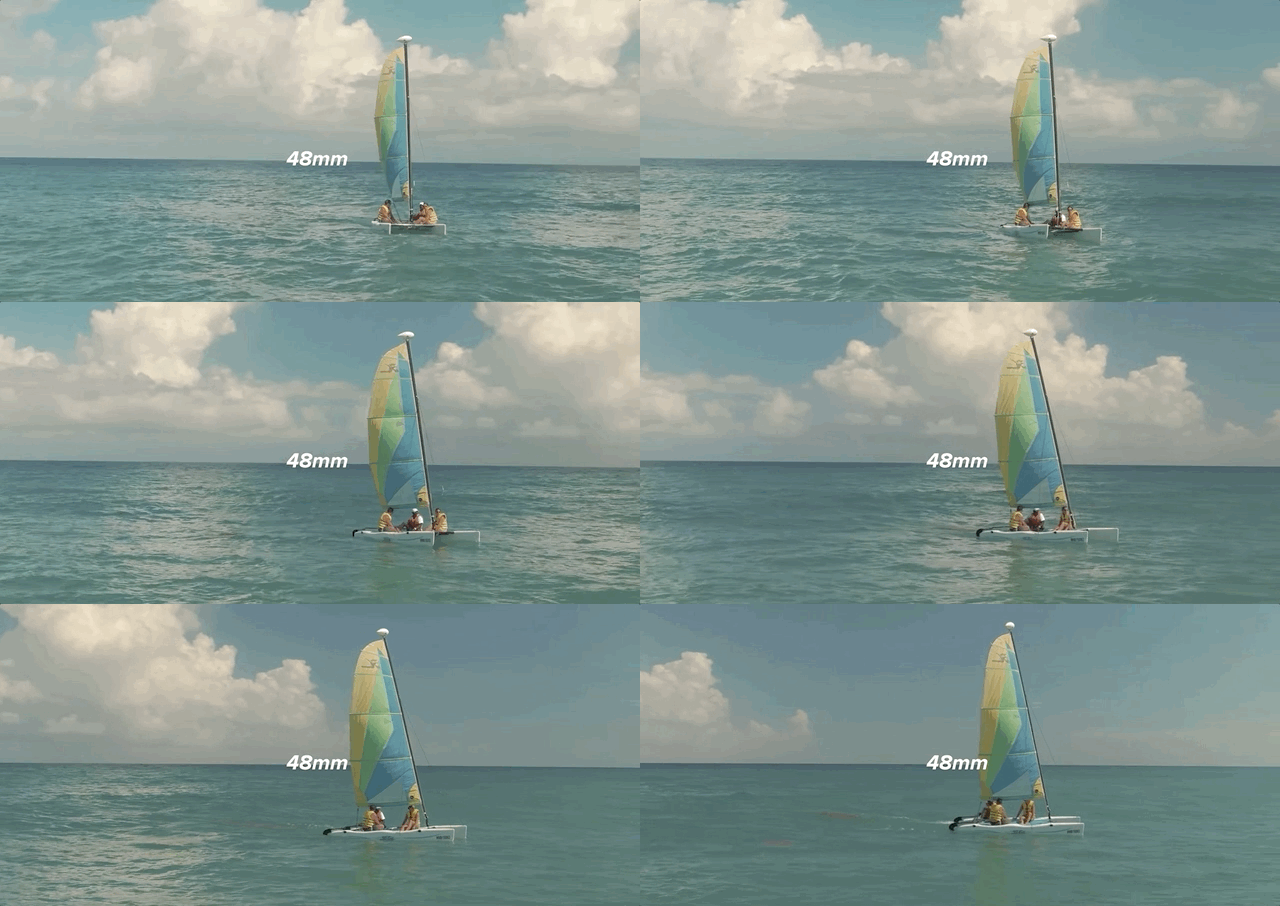
Camera Setup
With the flexibility that comes with the Mavic 2 Zoom, you’ll need to make sure that you have a proper camera setup. This is a subjective process, but I do have a few tips from testing.
Polarizer
When shooting on a bright, sunny day, a polarizer filter is a must. Not only will it reduce glare and reflections, but it also lets in more color and contrast. Before taking off, while facing the direction you intend to fly, hold the filter up to your eye and rotate it until you achieve polarization. After that, twist the front ring onto the gimbal, while aiming in the same direction, and you’re good to go.
Low Light
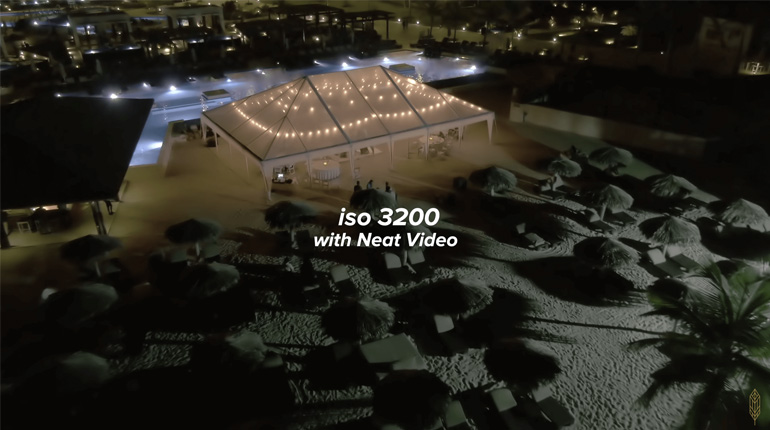
Shooting in low light conditions will grant you more variety while filming. The trick is to let as much light into the camera as possible while keeping your ISO low. Be sure there are no ND filters on your lens.